The following are useful tools to maintain the website.
General Editing
The site is designed to be edited in Elementor, a drag-and-drop interface. It is section/column/widget based and allows for complex layout. You can learn more at Elementor.com.
The maximum width of all pages is 1300px. When creating new sections, you wil need to increase the width of any new section from the defualt 1190px to the full 1300px. https://elementor.com/
News items are managed by the standard block editor by default. Becuase posts appear within a pre-designed template, using the simpler blocks editor ensures fewer layout conflicts between post and template. That said, it is possible to edit posts using the Elementor editor should you need a more robust layout.
In Elementor, it is often easier to duplicate a widget and edit the duplicate if styles have been set. When in the editor, you can control-click the section to see a contextual menu that allows you to copy, paste, duplcate, delete and other things. Once duplicated, it is easy enough to move things around. You can also copy from one page to another providing it’s the same site and you are using the same browser to do so.
You can also control-click on an item to get the contextual menu, select “copy”, then “paste style” on any similar element on the same or different page. This allows you to transfer the style of one element to many very quickly rather than just stying every element new.
Page width: 1300px
Default page editor: Elementor
Default posts editor: Block Editor
Placing Linked PDFs
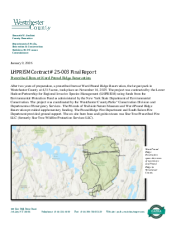
To place linked thumbnails of PDFs, upload the PDF to the Media Manager. Use the following embed code, replacing the ID number with the unique ID number of the PDF. View the URL of the PDF in the media manager which will look like this: https://friendsoftrailside.org/wp-admin/upload.php?item=1159
[ pdf_clickable_thumbnail id="1159" ] (no spaces around the brackets)
Prescribed Burn Final Report
January 9, 2026
Image Sizes
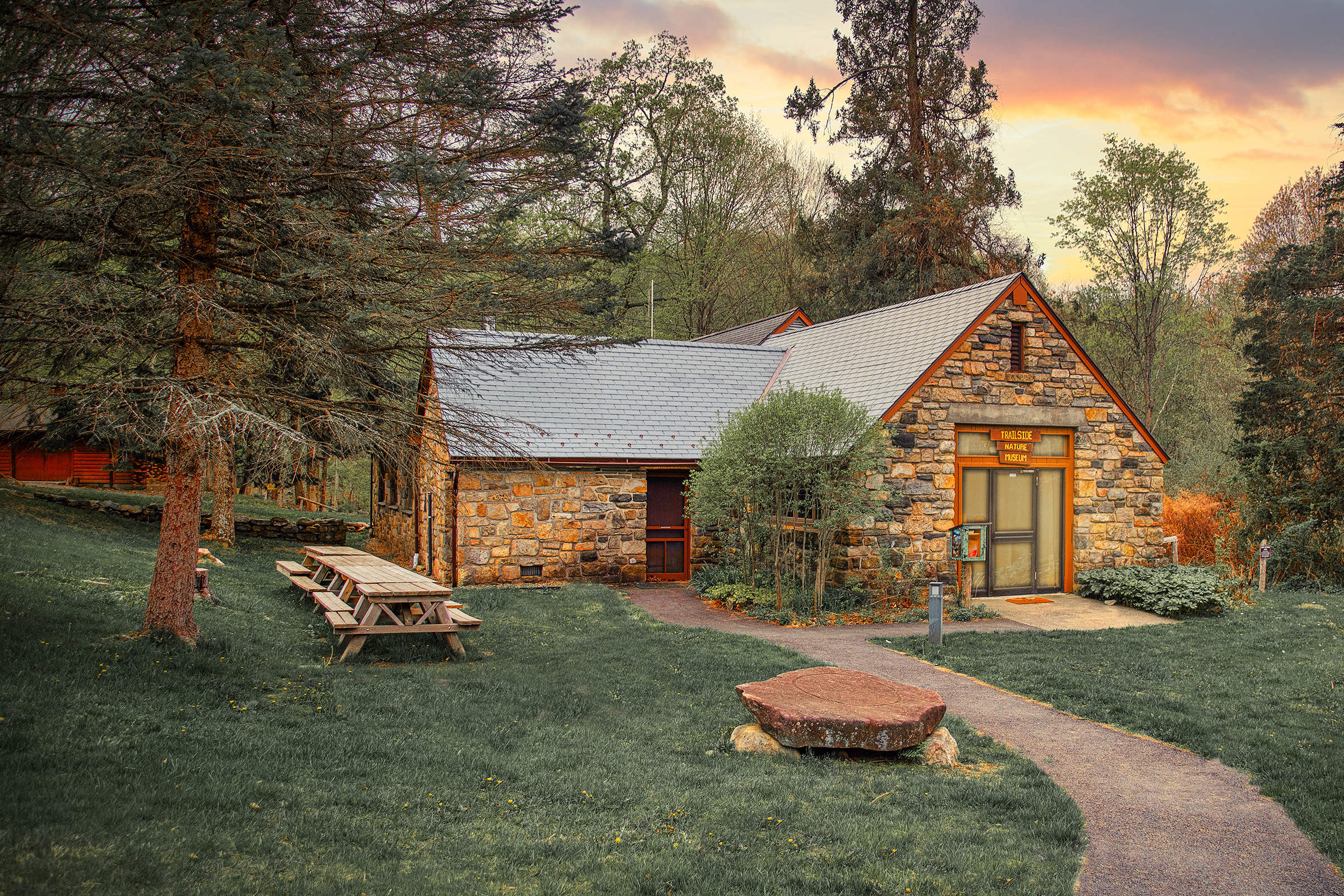
All news featured images have an aspect ratio of 3:2. Sizes can be 2400×1600, 1500×1000, 1200×800, 900×600, 600×400.
Hero images need to be 2400 px wide with suggested height of 1600 px.
Images that are embedded on pages and posts can vary in aspect ratio. I generally recommend uploading images smaller than 1200px wide for those purposes to preserve fast load times.